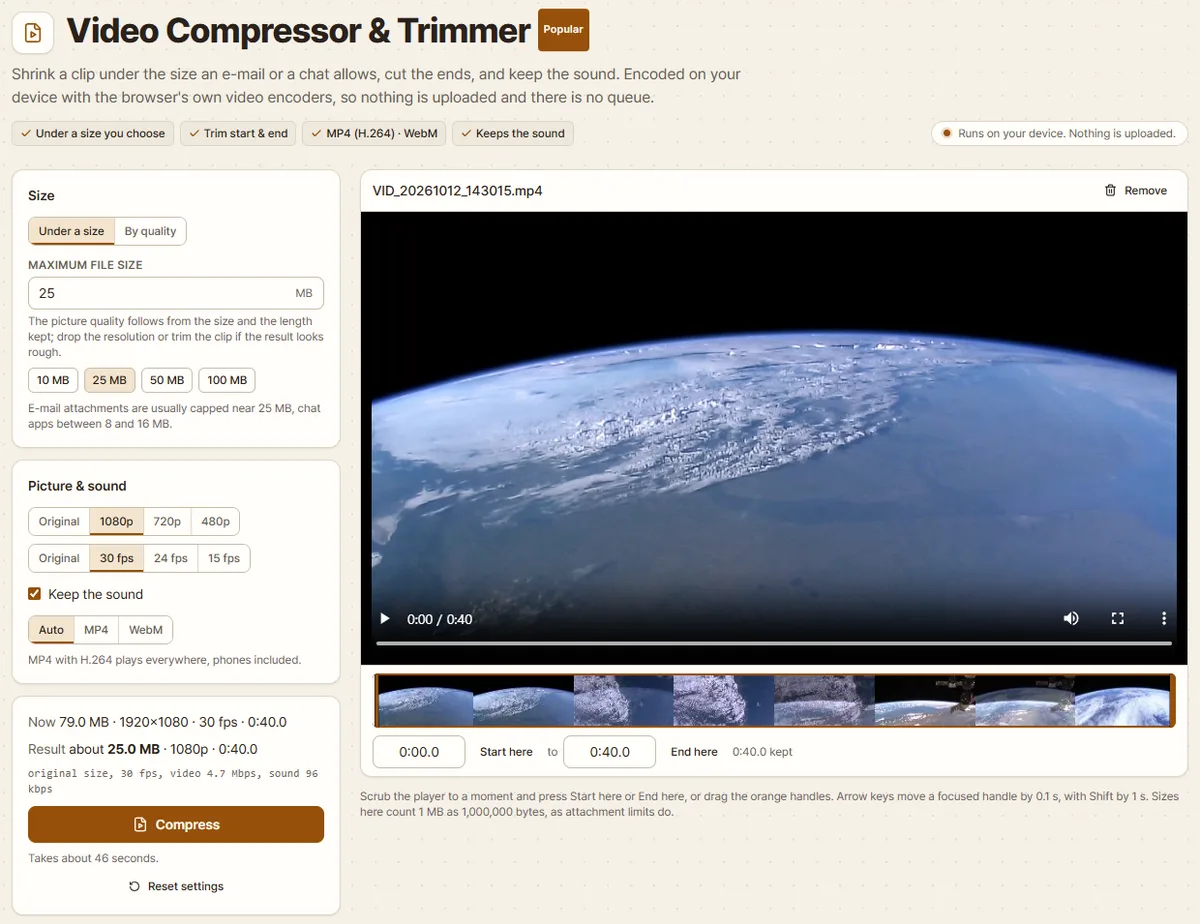
How to get the job done, step by step
Each guide walks through one real task with one of the tools: screenshots from the tool itself, what to check at the end, and what to do when it does not work.
Images
-
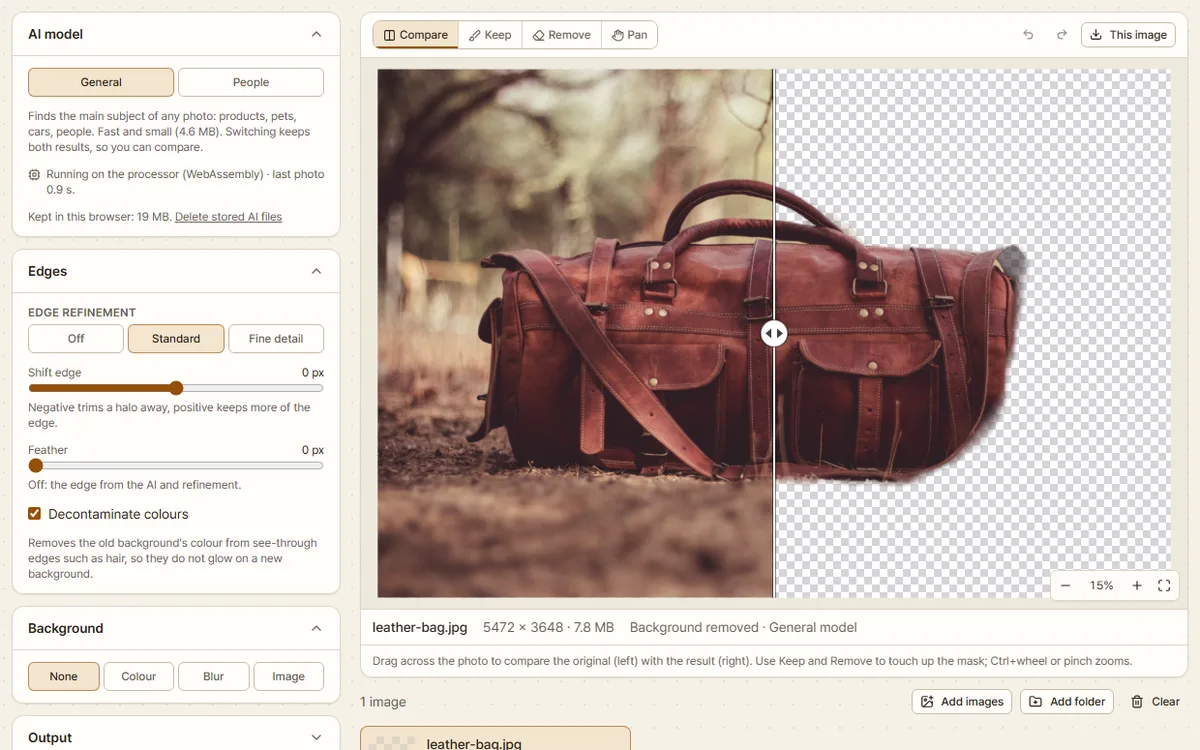 Background Remover5 min read Remove a photo's background in your browser Cut an item out of its photo for a resale listing, a shop page or a slide. Save it on white as a JPG or as a transparent PNG, and fix what the AI missed. 17 October 2026
-
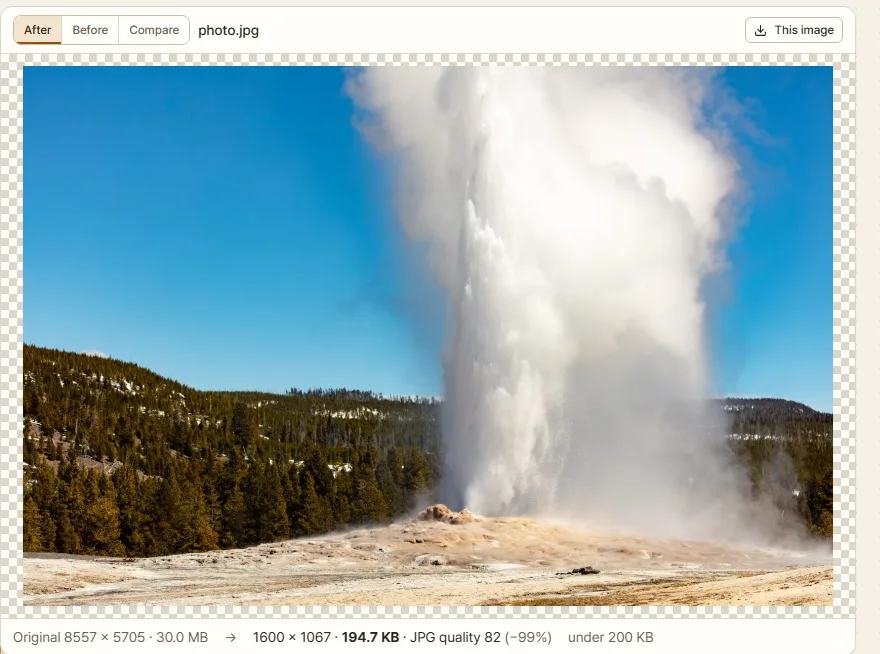 Batch Image Resizer & Watermark5 min read Shrink a photo under 200 KB for an online application A phone photo is several megabytes and the upload box takes 200 KB. How to get under the limit and keep the photo sharp, without uploading it anywhere. 15 October 2026
-
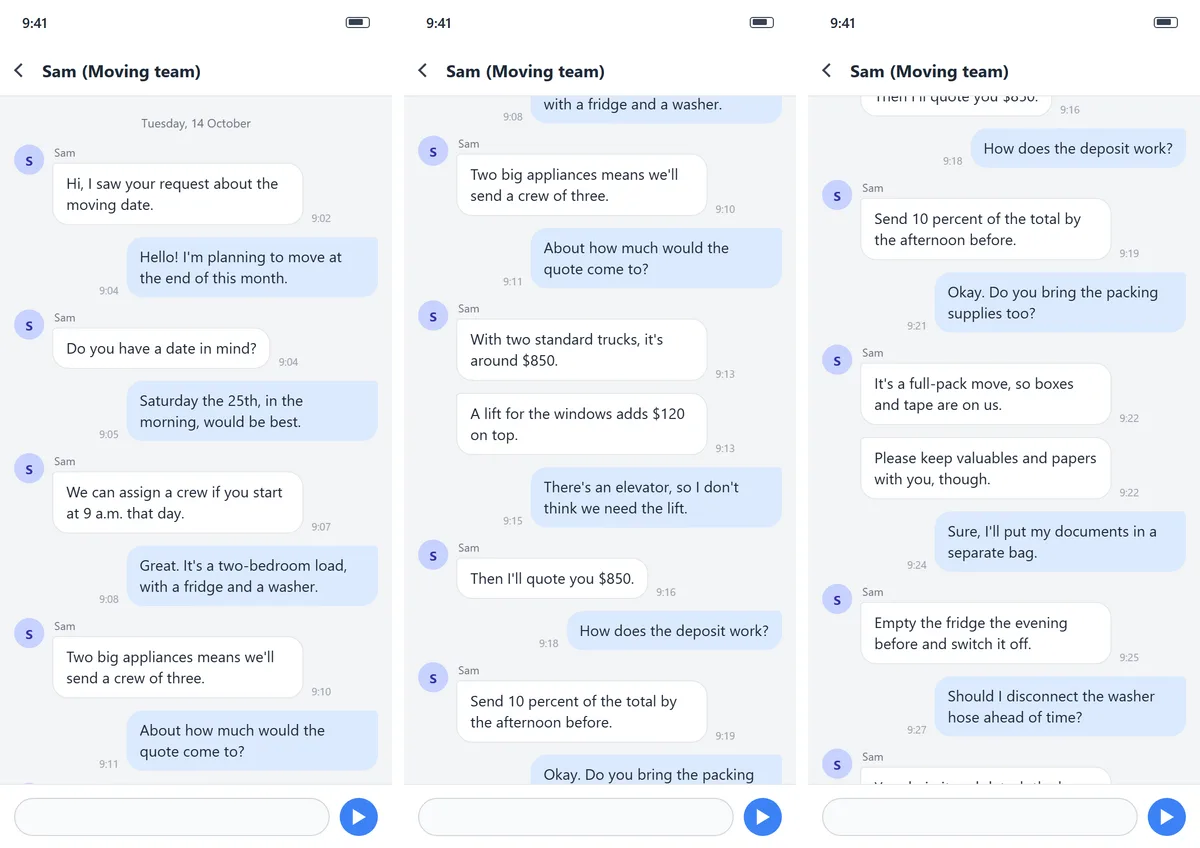 Screenshot Stitcher4 min read Stitch chat screenshots into one long image A long conversation takes several screenshots. Join them into one tall image with the repeated parts removed, in your browser with no upload. 15 October 2026
Documents
-
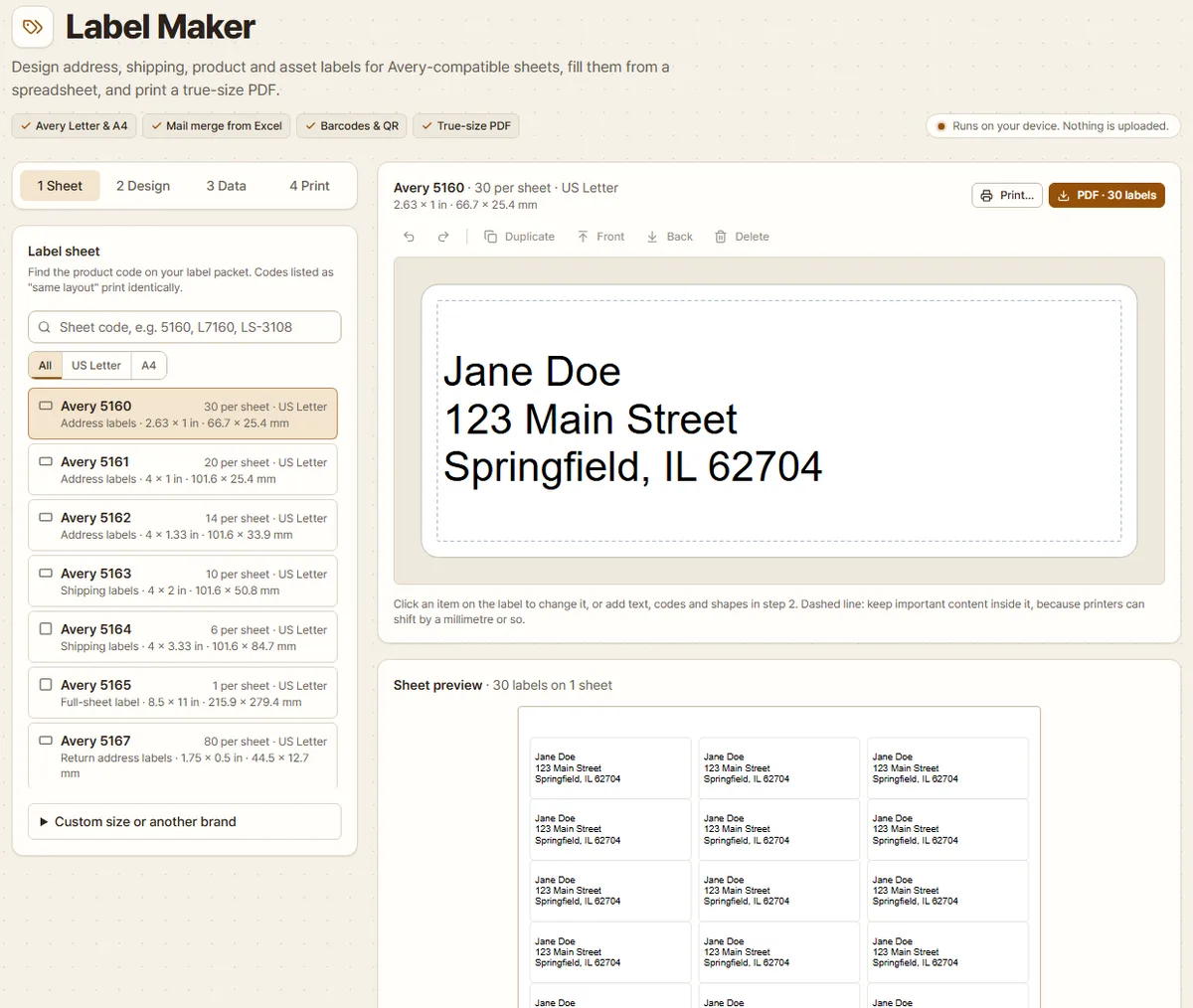 Label Maker5 min read Print address labels from Excel on Avery 5160 / L7160 sheets Turn an Excel address list into a PDF that lines up with Avery 5160 or L7160 label sheets, then print it at actual size and check the alignment. 29 October 2026
-
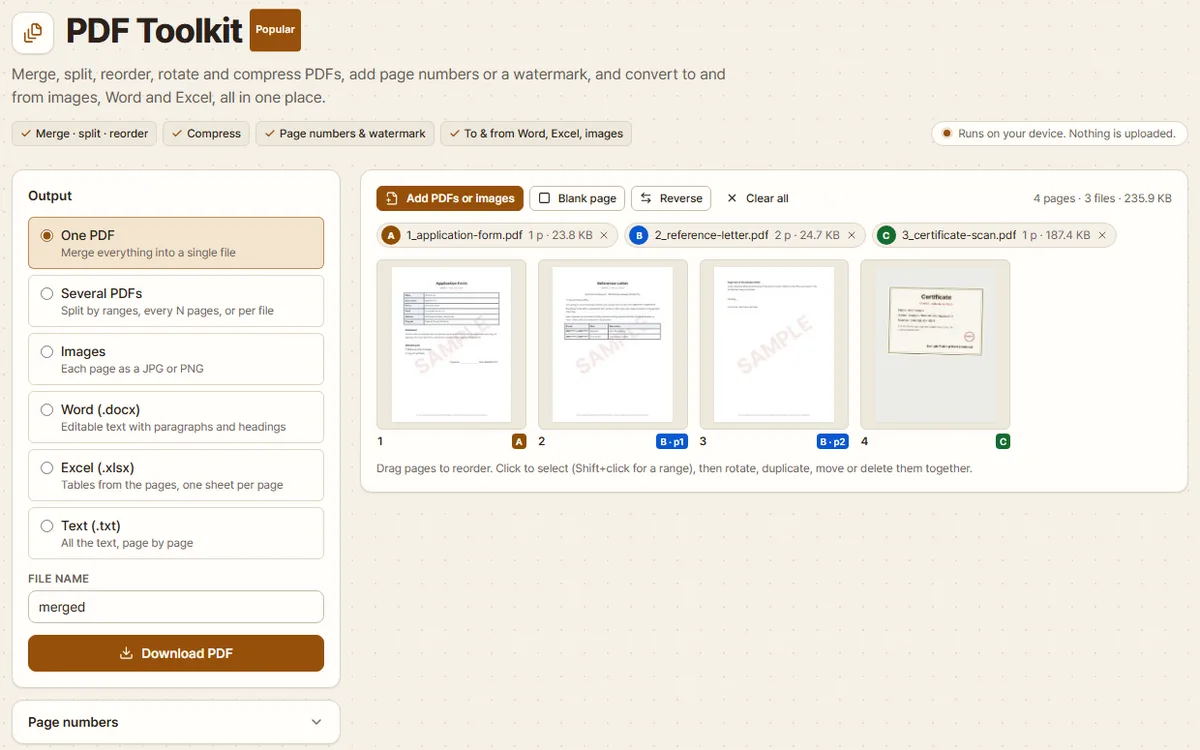 PDF Toolkit4 min read Merge PDF files into one, in your browser Combine an application form, a reference letter and a scanned certificate into one PDF in the right order. Covers reordering, locked PDFs and file size. 17 October 2026